
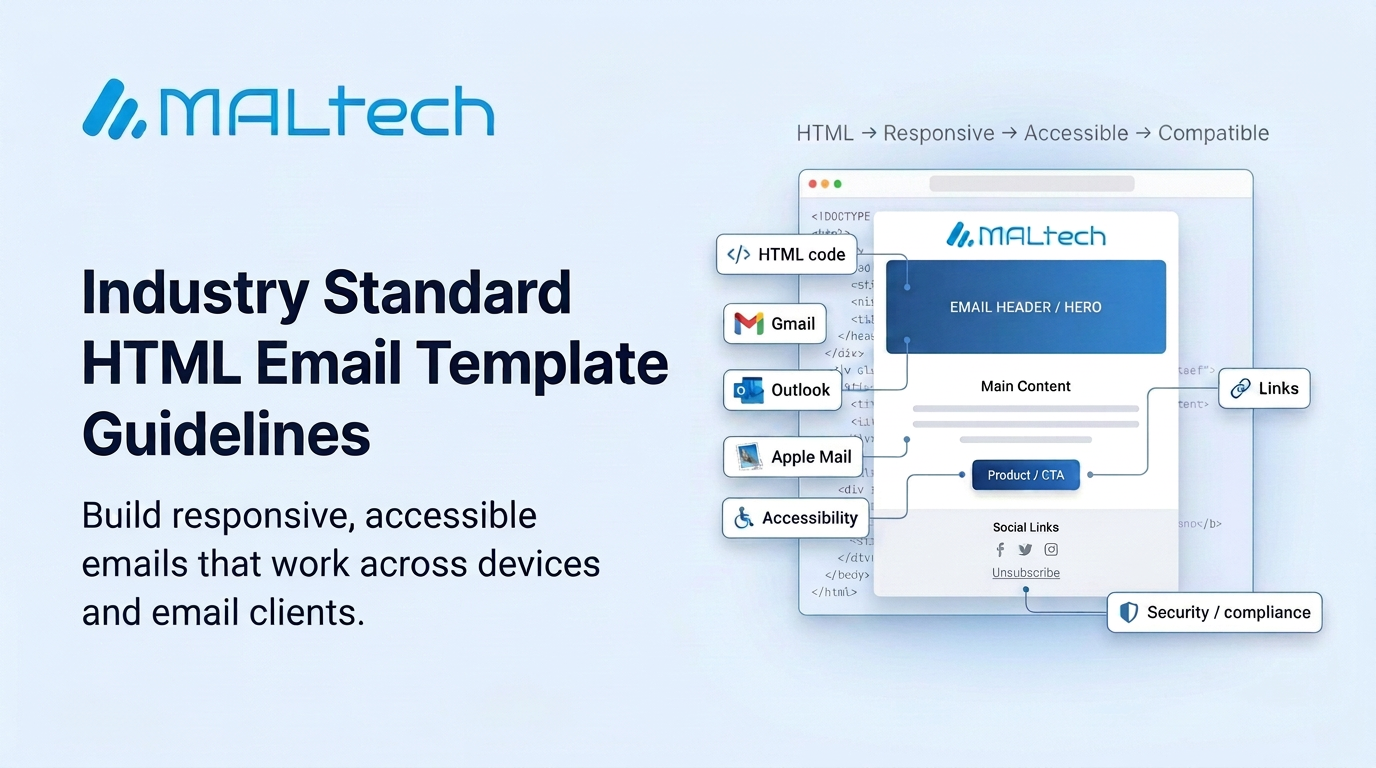
A professional HTML email template should be designed for maximum compatibility across Gmail, Outlook, Apple Mail, Yahoo, and mobile email clients, while maintaining responsive rendering, accessibility, and good deliverability.
1. Standard Email Structure
A professional email template should generally contain:
- Header / Hero Section
- Recognition / Award Section
- Main Content / Product Section
- Footer Section
- Social media links
- Regards / signature
- Brand image
- Unsubscribe and compliance information
2. Use DOCTYPE
Always start the email HTML with:
<!DOCTYPE html>
This helps prevent quirks-mode rendering and reduces layout issues across email clients.
3. Use Table-Based Layout
Use <table> elements for the main email structure instead of relying on <div> layouts.
Recommended:
- Table-based layout
- Inline CSS
Avoid:
- Div-only layouts
- Complex Flexbox/Grid layouts
This provides better compatibility, particularly with Outlook.
4. Recommended Email Width
- Desktop width: 600px
- Mobile width: 100%
Example:
<table width="600" style="max-width:600px;">
Use responsive styling so the email scales correctly on mobile devices.
5. Mobile Optimization
Recommended font sizes:
- Body text: 14–16px
- Headings: 16–20px
- Footer / unsubscribe text: 11–12px
- Line height: approximately 1.4–1.6
Use inline font sizes and media queries where required for mobile optimization.
6. Inline CSS
Important styling should be placed directly in the HTML elements.
Example:
<td style="padding:20px; background-color:#eef3f9;">
Use <style> mainly for mobile-specific media queries.
7. Avoid Bootstrap
Do not use Bootstrap in email templates because many email clients do not reliably support external CSS frameworks.
Use:
- Basic HTML
- Tables
- Inline CSS
8. Do Not Use JavaScript
JavaScript should not be used in HTML emails.
Avoid:
- JavaScript
- Forms
- Iframes
- Unsupported interactive elements
9. Images
Images must be hosted on publicly accessible HTTPS URLs.
Suitable hosting options include:
- SendGrid Design Library
- CDN
- AWS S3
- Website server
Do not use local or relative image paths.
Example:
<img src="https://example.com/image.png" alt="Banner">
10. Image Optimization
- Optimize/compress images before uploading.
- Avoid unnecessarily large image files.
- Use responsive image sizing.
Recommended:
<img width="600" style="width:100%; max-width:600px; height:auto;">
11. ALT Text
Provide meaningful alt text for important images.
This helps when images are blocked and improves accessibility.
12. Avoid Image Overlays
Avoid relying on CSS positioning to place one image over another.
For better compatibility:
- Use separate table sections.
- Avoid absolute positioning.
- Avoid complex image overlays.
If text must appear over a background image, use a background-image approach with an Outlook/VML fallback where necessary.
13. Fonts
Use web-safe fonts with appropriate fallbacks.
Example:
font-family: Arial, Helvetica, sans-serif;
For custom fonts, always provide fallback fonts.
Example:
font-family: Axiforma, Arial, Helvetica, sans-serif;
14. Avoid External CSS
Do not rely on:
<link rel="stylesheet" href="style.css">
Important styles should be inline because many email clients may remove external stylesheets.
15. Social Media Links
Social media icons should be clickable and point to valid HTTPS URLs.
Keep the number of links reasonable. Around 5–10 links is a practical target.
16. Avoid Excessive Third-Party Links
Keep most links within the brand’s domain.
Avoid unnecessary third-party tracking or unrelated external domains because they can negatively affect trust and deliverability.
17. Background Colors
Use brand-consistent, readable background colors.
Ensure sufficient contrast between the background and text, especially on mobile devices.
18. Unsubscribe
For promotional emails, include a clear and functional unsubscribe option.
Example:
<a href="[UNSUBSCRIBE_URL]">Unsubscribe</a>
The unsubscribe option should be visible and easy to use.
19. Do Not Use Forms or Popups for Unsubscribe
Email clients generally do not support JavaScript popups or interactive HTML forms reliably.
Use a hosted unsubscribe webpage instead.
20. Text Size Adjustment
For mobile compatibility, consider:
-webkit-text-size-adjust: 100%;
-ms-text-size-adjust: 100%;
This helps prevent unwanted automatic text resizing in some mobile email clients.
21. Text-to-Image Balance
Avoid making the entire email a single image.
Important information should be available as HTML text so it remains accessible when images are blocked.
A balanced text/image approach is preferred.
22. SendGrid Image Hosting
For production templates, SendGrid-hosted image URLs can be used when appropriate because they provide stable, publicly accessible image URLs.
23. Testing
Before sending the campaign, verify:
- HTML rendering
- Image loading
- Links
- Unsubscribe functionality
- Desktop rendering
- Mobile rendering
- Gmail compatibility
- Outlook compatibility
24. Security
Never expose a SendGrid API key inside an HTML file, public document, Git repository, screenshot, or client-shared file.
If an API key has already been exposed:
- Revoke the exposed API key immediately.
- Generate a new API key.
- Update the application/configuration with the new key.
- Review recent sending activity for unauthorized usage.
