
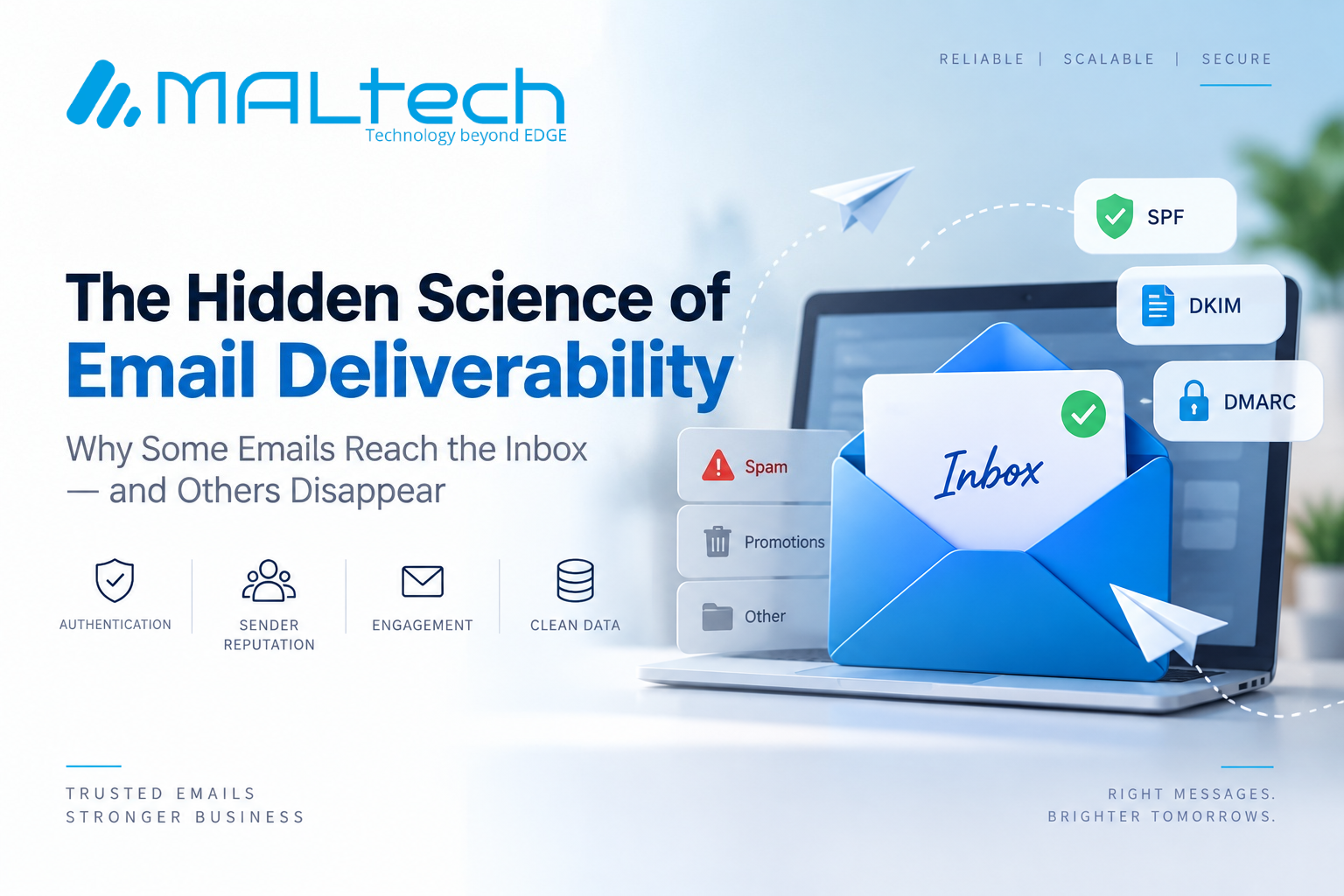
An email can leave your company’s server successfully and still never reach the recipient’s inbox. That is the difference between email delivery and email deliverability.
Delivery means the receiving server accepted the message. Deliverability goes further: it asks whether the message actually reached the intended inbox instead of being rejected, filtered, or sent to spam. For businesses sending OTPs, invoices, alerts, customer notifications, and marketing campaigns, this distinction matters. A missed email can mean a failed login, delayed transaction, lost customer, or missed opportunity.
What Is Email Deliverability?
Email deliverability is the ability to consistently get emails accepted by receiving mail systems and placed where recipients can see them. Several factors influence this:
- Email authentication
- Sender reputation
- Recipient engagement
- Email list quality
- Sending volume and consistency
- Message content
- Email infrastructure
There is no single setting that guarantees inbox placement. Deliverability is built over time.
The Three Foundations of Deliverability
1. Email Authentication
Receiving providers need to know whether an email really comes from the organization it claims to represent. Three technologies are central:
- SPF: Identifies authorized servers that can send email for a domain.
- DKIM: Adds a digital signature that helps verify the message.
- DMARC: Uses SPF and DKIM to help protect domains from unauthorized email.
Think of these as digital identification documents for your email. Google requires authentication for senders to personal Gmail accounts, with additional requirements for bulk senders. Yahoo has similar authentication requirements for bulk email.
2. Sender Reputation
Email providers observe sending behavior over time. High complaint rates, poor list quality, authentication problems, and suspicious sending patterns can affect how future messages are treated. A company’s sending reputation is therefore an operational asset. It takes time to build and can be damaged by repeated poor practices.
3. Recipient Behavior
Recipients also influence deliverability. When people regularly open, respond to, or otherwise engage with relevant messages, that provides useful signals. Repeated spam complaints, unsubscribes, and inactive recipients can indicate that a mailing program needs attention. Google recommends sending to people who want the messages and maintaining healthy recipient lists.
Why Businesses Run Into Deliverability Problems
Most problems are not caused by one mistake. Common causes include:
- Incorrect SPF, DKIM, or DMARC configuration
- Sending to outdated or invalid addresses
- High spam complaint rates
- Sudden increases in email volume
- Poorly managed third-party sending platforms
- Mixing different types of email traffic without proper separation
Yahoo recommends monitoring bounces, removing invalid recipients, and controlling sending behavior to maintain healthy email practices.
Transactional vs. Marketing Email
Not every email serves the same purpose. Transactional emails are triggered by customer actions or system events, such as:
- OTPs
- Password resets
- Order confirmations
- Payment notifications
- Account alerts
Marketing emails include:
- Newsletters
- Promotions
- Product announcements
- Campaigns
These streams often deserve separate operational treatment. Yahoo, for example, distinguishes transactional messages from promotional mail when applying its unsubscribe requirements. For enterprises, this separation can make monitoring and troubleshooting much easier.
How Businesses Can Improve Deliverability
A practical approach starts with the basics.
Build the technical foundation
Verify:
- SPF
- DKIM
- DMARC
- DNS and reverse-DNS configuration
- TLS encryption
Keep email data clean
Regularly:
- Remove invalid addresses
- Monitor hard and soft bounces
- Review inactive recipients
- Process unsubscribe requests
- Monitor spam complaints
Monitor performance
Don’t rely on a single metric.
Track:
- Delivery errors
- Bounce rates
- Spam complaints
- Authentication failures
- Sending volume
- Reputation signals
Google Postmaster Tools provides information about authentication, spam reports, delivery errors, and other sending-related signals for eligible Gmail traffic.
The Hidden Science Behind the Inbox
Email deliverability is not simply about pressing Send. It is the result of multiple signals working together:
Authentication → Reputation → Recipient Behavior → Infrastructure → Sending Patterns → Inbox Placement
That makes deliverability an ongoing business responsibility. Companies that depend on email should treat their sending infrastructure, email data, and sender reputation as part of their core operations—not as something to investigate only after emails start disappearing.
Key Takeaways
- Delivery does not always mean inbox placement.
- SPF, DKIM, and DMARC provide the authentication foundation.
- Sender reputation develops through consistent sending behavior.
- Clean recipient data reduces avoidable deliverability problems.
- Transactional and marketing emails should be managed differently.
- Monitoring bounces, complaints, authentication, and delivery errors is essential.


