something goes wrong?” That’s where the next layer of email security becomes important.A customer doesn’t receive an invoice. A password-reset email never arrives. A security team suddenly notices that emails are failing because of a certificate problem. Or a customer receives a message that looks exactly like it came from the company.
These situations may seem different, but they have something in common: email security involves more than checking who sent a message. SPF, DKIM, and DMARC provide the basic foundation. They help receiving mail systems verify whether a message is authorized and whether a domain is being used legitimately.
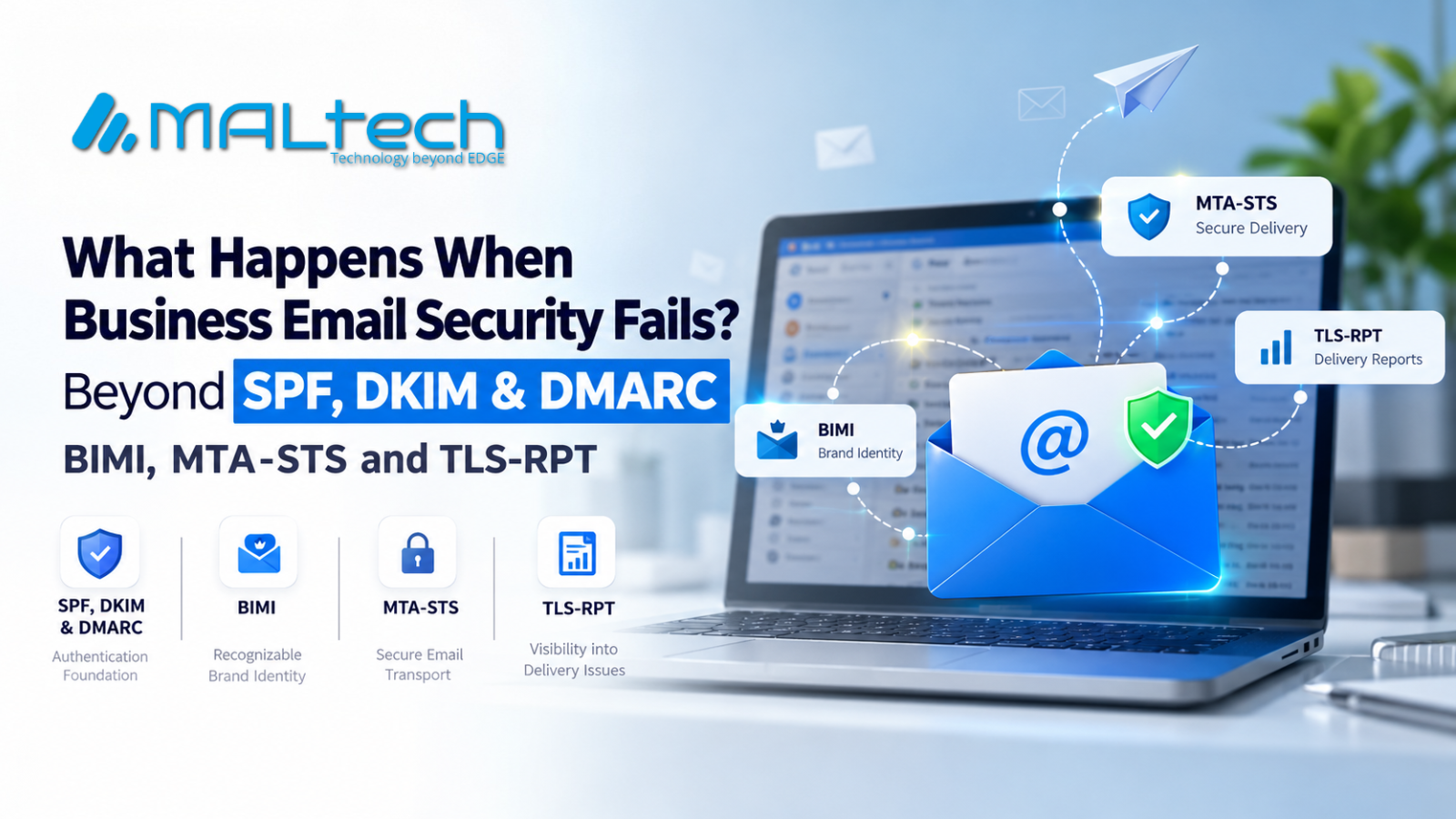
But even after those controls are in place, businesses still have other questions to answer. Can customers recognize a legitimate email? Is the message protected while travelling between mail servers? And can the IT team tell when secure delivery fails? This is where technologies such as BIMI, MTA-STS, and TLS-RPT come into the picture. They don’t replace SPF, DKIM, or DMARC. They address different parts of the email security problem.
Email Can Fail in More Than One Place
Think about what happens when a business sends an email. The message needs to come from an authorized source. It needs to pass authentication checks. It needs to travel between mail servers. And eventually, the recipient needs to recognize it as legitimate.
There are several points where something can go wrong. A domain can be impersonated. A receiving system can reject a message because authentication doesn’t match. A secure connection can fail during delivery. A certificate can expire. Or a customer may struggle to distinguish a genuine company email from a convincing imitation.
SPF, DKIM, and DMARC handle important parts of the authentication process. BIMI, MTA-STS, and TLS-RPT address some of the problems that come after that foundation. That’s why it’s more useful to think of them as additional layers rather than replacements.
Helping Customers Recognize the Real Brand
Imagine receiving an email about an invoice, account activity, or a payment. You may recognize the company name, but what tells you that the message really belongs to that company? Authentication happens largely behind the scenes. BIMI — Brand Indicators for Message Identification — brings part of that identity into the inbox.
Where supported, BIMI allows an organization to associate its brand logo with authenticated email. Participating email providers can then display that logo alongside the message. The logo isn’t what authenticates the email. That’s still the job of the underlying authentication mechanisms.
Instead, BIMI gives recipients another visual signal that can help them recognize a legitimate brand. For companies sending large volumes of customer-facing email—such as invoices, account alerts, and support messages—that can be useful. It takes something that normally happens behind the scenes and gives the customer a visible part of the brand identity.
Protecting Email While It Travels
Now consider what happens after an email leaves the sender’s system. The message has to travel between mail servers before it reaches the recipient. Modern mail systems support TLS, but traditional SMTP delivery has historically relied on opportunistic encryption. In simple terms, servers can attempt to establish a secure connection, but encryption hasn’t always been treated as a strict requirement.
For organizations that want stronger control over this process, MTA-STS (Mail Transfer Agent Strict Transport Security) provides a way to publish a policy for mail delivery. A domain can use MTA-STS to tell supporting sending mail servers that email should be delivered using TLS and that certain secure-connection failures should not simply be ignored.
This becomes particularly relevant when emails contain sensitive information. Think about invoices, contracts, account details, financial notifications, or internal business communication.
For these types of messages, secure transport isn’t something organizations want to leave entirely to chance. MTA-STS doesn’t answer the question of who sent the email. It answers a different question: “How should this email be transported to us?”
What If Secure Delivery Breaks?
Adding security controls creates another requirement: visibility. Suppose an organization has MTA-STS configured, but a certificate expires or a DNS record is changed incorrectly. The first sign of the problem might simply be that an email didn’t arrive. That’s not very helpful for the infrastructure team. They need to know what failed and why. This is where TLS-RPT (SMTP TLS Reporting) becomes useful.
TLS-RPT allows organizations to receive reports about problems encountered when email is being delivered using TLS. These reports can provide information about issues such as routing problems, TLS negotiation failures, and MTA-STS policy validation errors. TLS-RPT doesn’t prevent every delivery failure. That’s not its purpose. Its value is visibility.
When something goes wrong, the organization has information that can help its teams investigate the problem instead of discovering it only after users start reporting missing emails.
Three Technologies, Different Jobs
The easiest way to understand these technologies is to look at the question each one answers.
| Technology | What it addresses |
| SPF | Which systems are authorized to send email for a domain |
| DKIM | Whether a message carries a valid domain signature |
| DMARC | How authentication and domain alignment are handled |
| BIMI | How a brand identity can appear in supported inboxes |
| MTA-STS | How email should be transported securely |
| TLS-RPT | How TLS delivery problems are reported |
These technologies aren’t competing standards. They’re solving different problems at different points in the email journey. A company doesn’t use BIMI instead of DMARC. It builds on its authentication foundation. Likewise, MTA-STS and TLS-RPT address secure transport and visibility rather than replacing email authentication.
Where Should a Business Start?
Businesses don’t necessarily need to implement every email security technology at once. The better approach is to look at the risks the organization actually faces.
Start with SPF, DKIM, and DMARC – The authentication foundation should come first. Before adding additional controls, make sure existing authentication policies are correctly configured, monitored, and understood.
Look at MTA-STS – If an organization handles sensitive business communication and wants stronger control over secure email transport, MTA-STS may be worth evaluating.
Add TLS-RPT for visibility – If secure transport policies are being used, TLS-RPT can help teams understand when TLS-related delivery problems occur.
Consider BIMI – For organizations that send large amounts of customer-facing email, BIMI can provide an additional layer of recognizable brand identity where supported. The important thing is not to implement a technology simply because it exists.
Start with the problem you are trying to solve.
Email Security Is Also an Operational Problem
Email security is often treated as a technical configuration task. In reality, it affects several parts of a business. A broken authentication policy can affect deliverability. A transport problem can delay important communication. A certificate issue can interrupt secure delivery. A spoofed message can damage customer trust. And without reporting, finding the cause of a delivery problem can take much longer.
That means email security isn’t only the responsibility of one team. Security, infrastructure, development, operations, and business teams may all have a role to play. The technology is only part of the solution.
Someone still needs to monitor it, maintain it, and respond when something changes.
Building a More Complete Email Security Strategy
SPF, DKIM, and DMARC remain the foundation of modern email authentication. But email security doesn’t stop there. BIMI helps with recognizable brand identity. MTA-STS provides stronger control over secure email transport. TLS-RPT gives organizations visibility into TLS-related delivery problems.
None of these technologies is a complete solution on its own. They work best alongside correct DNS configuration, monitoring, secure infrastructure, and good email practices. The bigger shift is how businesses think about email security. It’s no longer just about asking: “Did this email pass authentication?” Businesses also need to ask: “Can our customers recognize it?” “Was it transported securely?” “And will we know when